
Setting Up a Studio Interview That Sounds and Looks Right
Rhian Pugh
7 minutes to read
A practical walk-through of how we prepare, light and record a news interview so the audio is clean, the framing holds steady and your editor has usable material straight away.

Start with the room, not the camera
Most interview problems are decided before anyone presses record. A room that looks fine to the eye can sound poor: hard walls throw echo back at the microphone, a fridge hums in the corner, and a window facing a busy road lets in every bus. When we prepare a studio session or visit your premises, the first job is to walk the space and listen with the doors shut and the equipment off.
We look for a quiet corner with soft furnishings, away from air conditioning and corridors. Carpet, curtains and bookshelves help; glass and bare plaster do not. If you are hosting us, tell us which room is quietest and when the building is calmest. A ten-minute change of location often does more for clean audio than any piece of kit.
Space also matters for light. We need room to place a key light, a fill and a backdrop distance of at least a couple of metres, so the guest does not sit flat against the wall. Moving a chair forward is easy; fixing a cramped set afterwards is not.
If you can send a phone photo of the room in advance, we can plan the layout before arriving and save time on the day.
- Choose the quietest room, with doors that close
- Avoid bare glass and hard walls where possible
- Switch off fans, fridges and notifications nearby
- Leave two metres between guest and backdrop
Lighting a face so it holds up on air
Broadcast lighting is about consistency more than drama. We set a soft key light slightly to one side of the camera, add a gentler fill to lift the shadow side, and use a small back light to separate the guest from the background. Callum Reid, who handles lighting and sound for our crews, checks the result on a monitor rather than trusting the eye, because cameras see skin tone differently from people.
Daylight is the usual trap. A window can look attractive, but cloud moves, the sun shifts and the exposure changes halfway through an answer. Where the interview has to be near a window, we either block it and light the scene ourselves or position the guest so the daylight is a constant side source.
Glasses, shiny foreheads and patterned shirts all cause trouble on screen. We angle lights to avoid reflections in lenses and ask guests to bring a plain, mid-tone top if they can. Bold stripes and tight checks can shimmer on broadcast video, and very white or very black clothing makes exposure harder to hold.
Getting clean audio from the first word
Sound is what the newsroom cannot repair. A slightly soft picture is forgivable; a muffled or distorted voice is not. We usually clip a small lavalier microphone to the guest and back it up with a second microphone on a stand just out of frame, so a brushed collar or a dead battery does not cost you the interview.
Before recording, we ask the guest to talk for a few seconds at their normal level and set the recorder from that, leaving headroom for the moment they laugh or raise their voice. We listen on headphones throughout, because meters do not catch a rattling pen, a rustling jacket or a distant lift.
We also record a short passage of room tone at the end, a few seconds of silence in the same space. Your editor can use it to smooth cuts and fill gaps so edits do not jump in background noise. It costs almost no time and saves a good deal of trouble in the edit.
If your guest is nervous about wearing a microphone, we explain where it goes and keep the wire out of sight. People talk more naturally once they stop thinking about the equipment.
- Lavalier on the guest, second microphone as backup
- Headphone monitoring for the whole session
- Room tone recorded at the end for the editor
Framing and keeping the shot steady
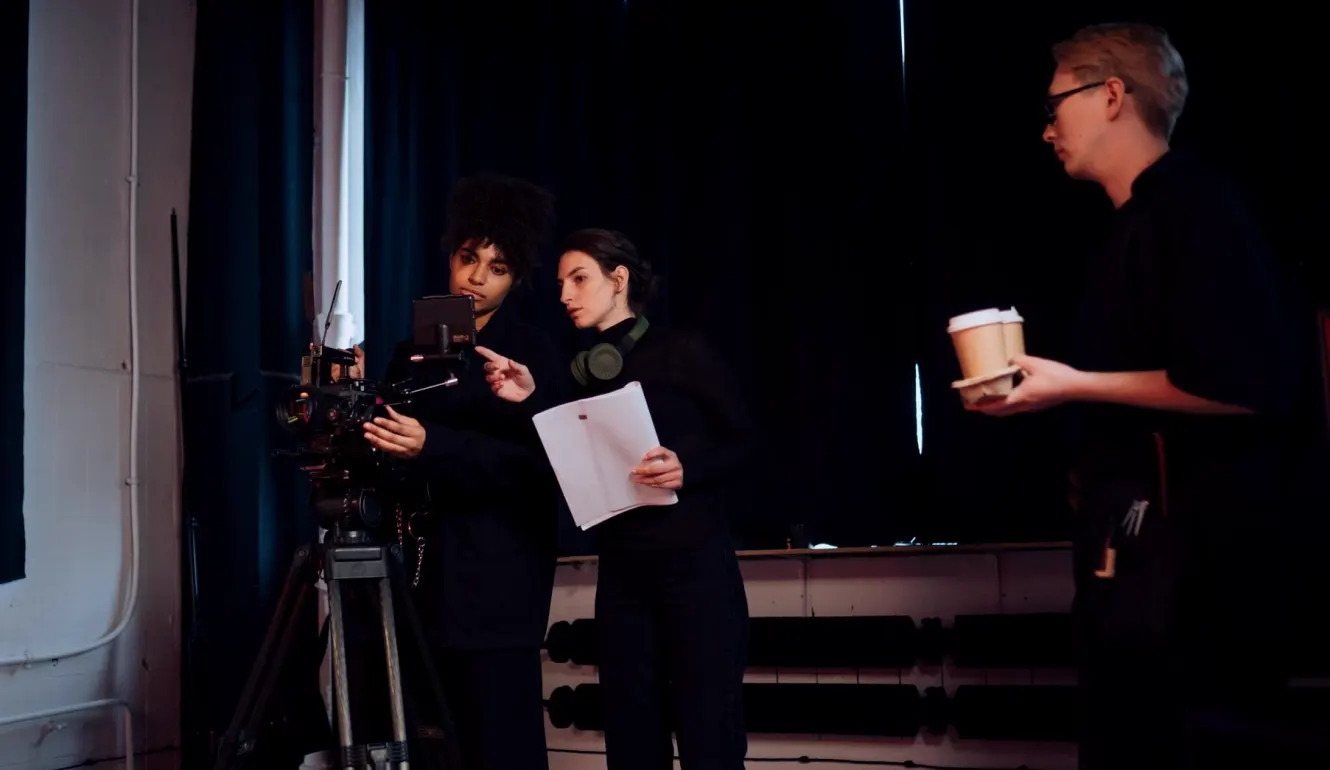
A steady frame tells the viewer the story is under control. We lock the camera on a tripod at eye level with the guest, set the shot slightly wider than the final crop so the editor has room to reframe, and leave a little space in front of the face in the direction they are looking.
For a single-camera interview, the guest looks at the interviewer beside the lens rather than into it, which feels natural and avoids the stare of direct address. Where we use two cameras, the second gives a tighter angle on the same answers, which lets an editor cut between them without a visible jump.
We keep the interviewer's position close to the lens and at the same height as the guest. Questions asked from a standing position, or from far across the room, make the guest look up or away and the framing goes awkward.
Once the shot is set we avoid moving it. If a guest leans, shifts or gestures widely, we adjust gently between answers rather than during them, so every take stays usable.
What to prepare before we arrive
The best interviews start with a short, clear brief. Send us the guest's name and title as they should appear on screen, how long you need, and the main topics. A written list of questions helps, but we find it more useful to know the one or two answers the story depends on, so we can make sure they are captured cleanly and given room.
Tell the guest what to expect. People relax when they know the interview will last twenty minutes, that they can pause to correct themselves and that the first answer is usually a warm-up. Ask them to avoid noisy jewellery and to switch their phone fully off, not just to silent, as handsets can interfere with audio equipment.
If the interview is at your premises, confirm access, parking and a named contact on the day. Rhian Pugh plans each deployment around these details, and a missing door code or a blocked loading bay is the commonest cause of a late start.
Finally, tell us how the footage should reach you and in what format, so we deliver it in the way your edit team can use immediately.
- Guest name and title as it should appear
- Running length and key topics
- Phone switched fully off
- Access, parking and a contact on site
After the recording: logging and handover
When the last answer is done, we check the recording before packing up. We play back a few moments of picture and sound to confirm nothing failed, and note the timecode of strong answers so your editor does not have to search through the whole interview for the line that matters.
Files are named clearly with the guest, subject and take, and sent through a secure transfer to your newsroom. If you want the rushes kept, we can store them in an organised archive and retrieve them later, with the same naming so they are easy to find months on.
We do not leave the guest guessing either. A quick word on when the item might air, and a thank-you, keeps good contacts willing to speak to your reporters again.
A good studio interview is mostly preparation: a quiet room, steady light, two microphones, a locked frame and a clear brief. None of it is complicated, but each part is easy to skip when the clock is running. If you plan a session with us, send the guest details and a photo of the space ahead of time, and we will arrange the rest around your deadline.
More from the news desk
-

Running Order, Back-Timing and Hard Out: Edit Terms Explained
A plain-words guide to the terms an edit package lives by, from the running order to the hard out, and why each one shapes how we cut your finished news item.
-
How Quickly Can a Breaking News Crew Reach Your Story?
The question newsroom desks ask us most often: how fast can a crew be on location? Callum Reid explains what shapes the answer, from the first call to the first usable pictures.
-
Getting Rushes and Archives in Order Before the Winter News Season
Priya Sharma sets out how newsrooms can prepare their footage transfer and storage habits during these autumn weeks, before the busiest months of weather, flooding and festive-season stories begin.
Ask for a quote
- Phone
- 01792 410386
- Write to us
- newsdesk@ordivix.com